

1
Match words or phrases with meanings
Recognise the link between English words and their Vietnamese meanings.
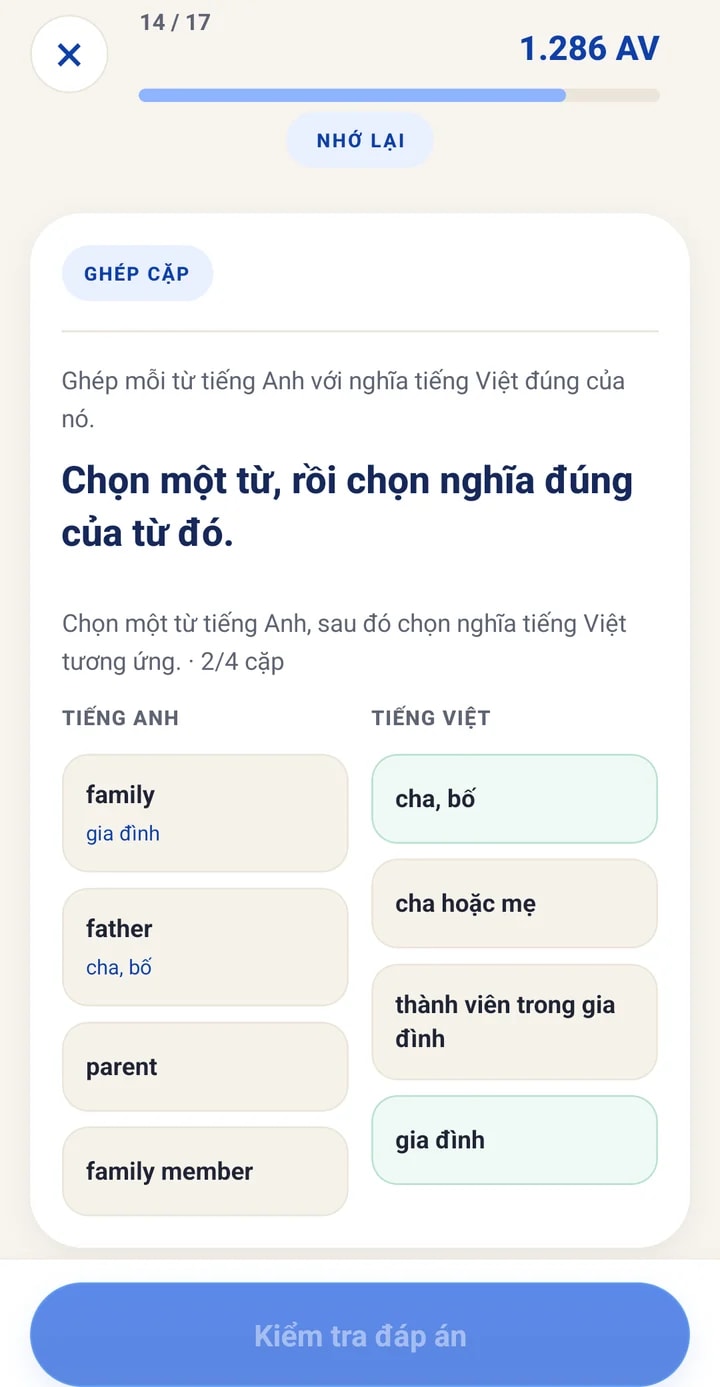
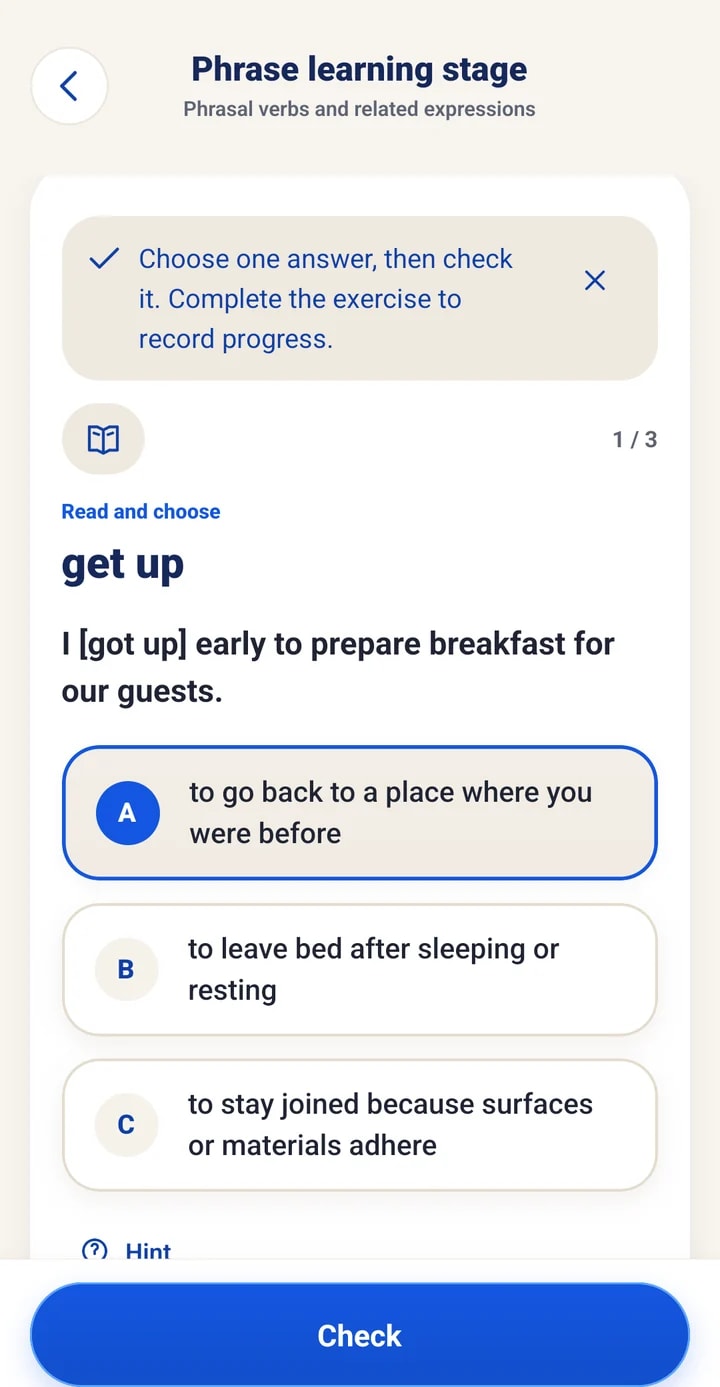
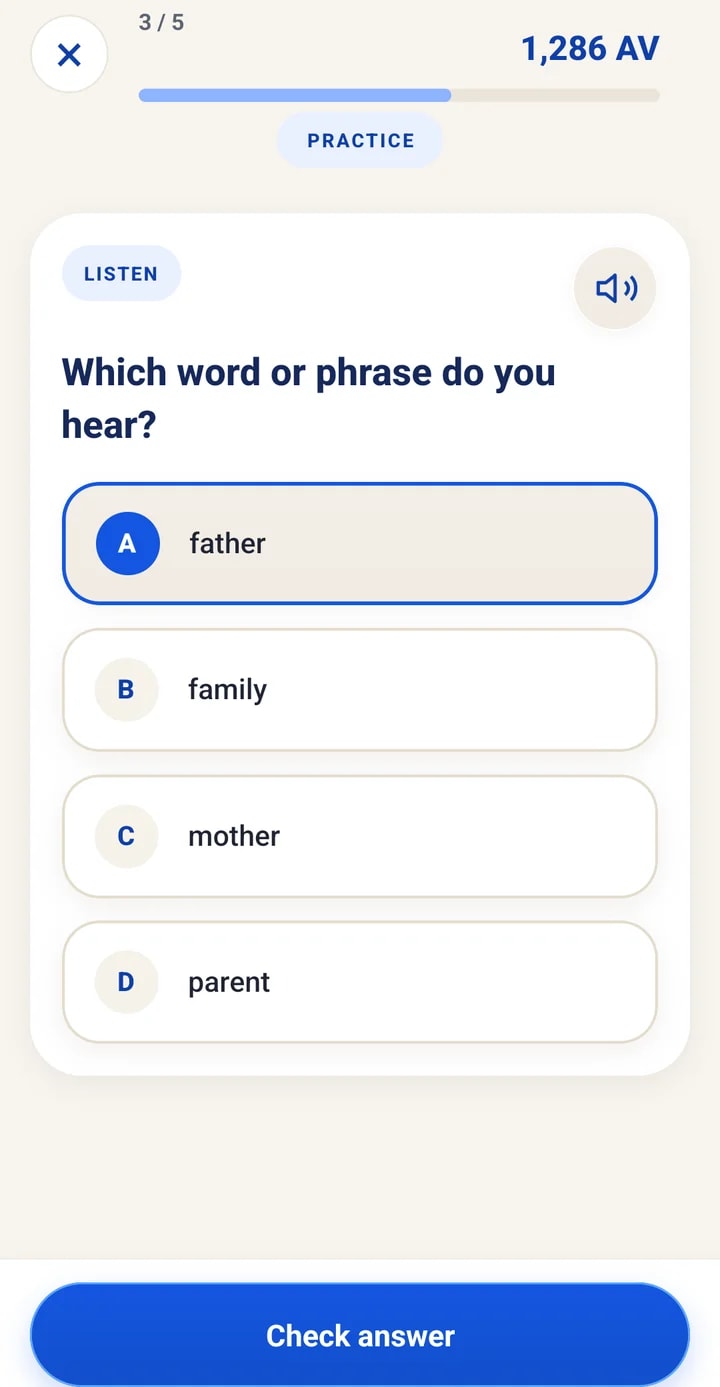
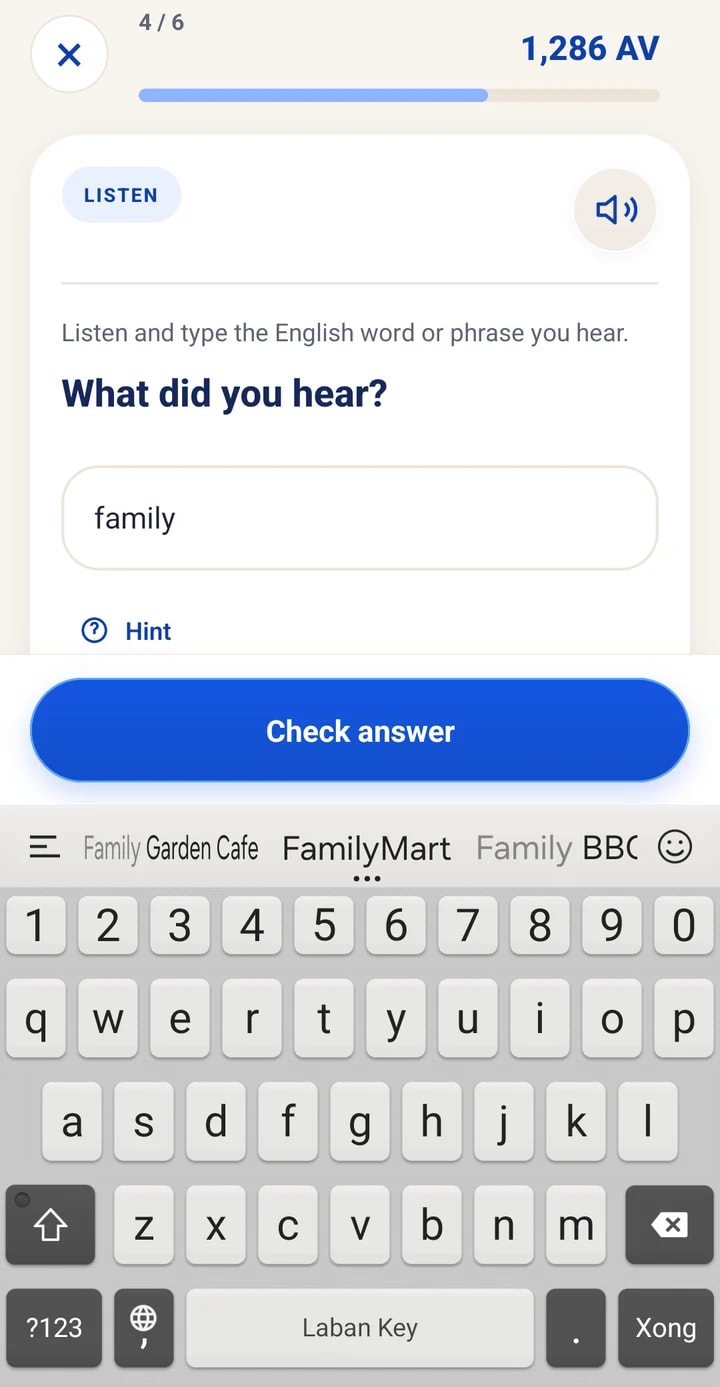
From recognising meanings to listening, typing and using words: explore practice formats with real Alenvar app screenshots.
6 representative formats in the exercise system. The interface depends on the Vocabulary or Phrasal Verbs content being studied.
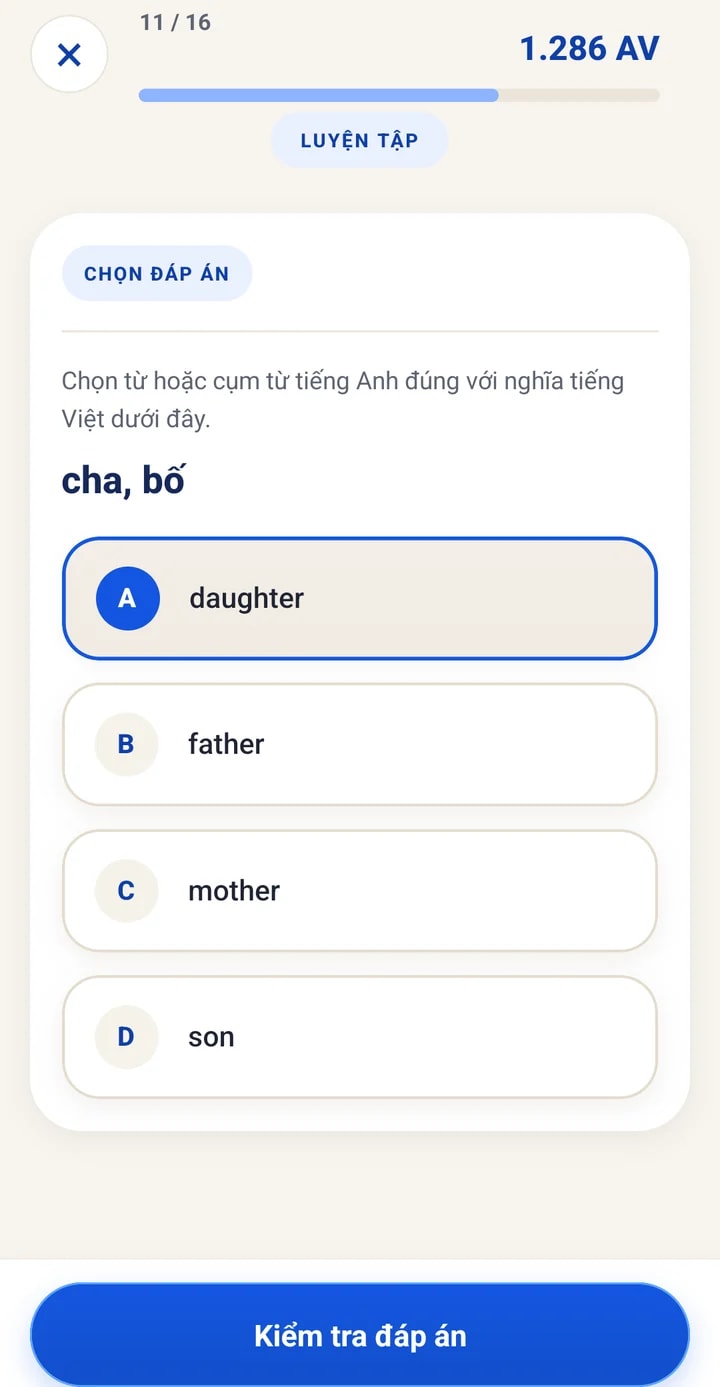
Recognise the link between English words and their Vietnamese meanings.
Read the context to identify the meaning being used.
Listen to the recording, recognise the word or phrase and select an answer.
Recall the spelling yourself instead of only recognising a provided answer.
Complete a sentence with the appropriate word or phrase.
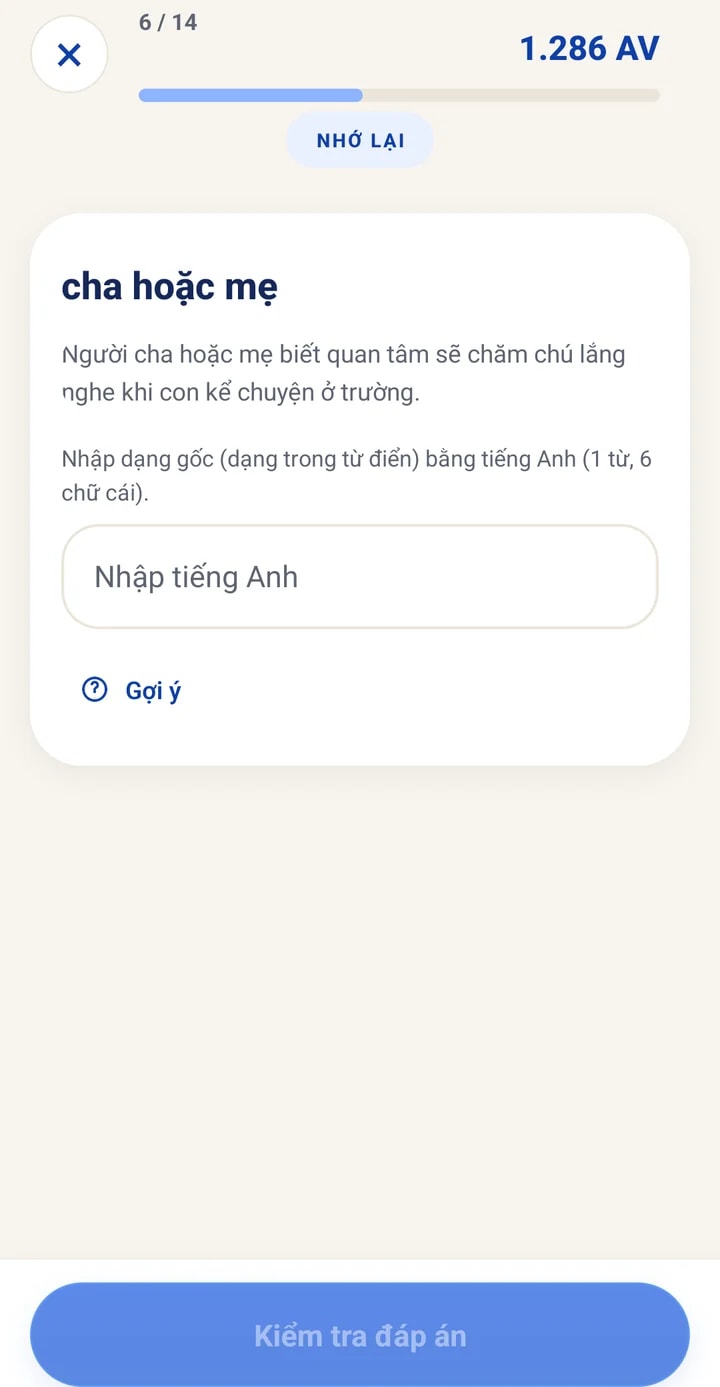
Read the prompt and choose the appropriate answer.
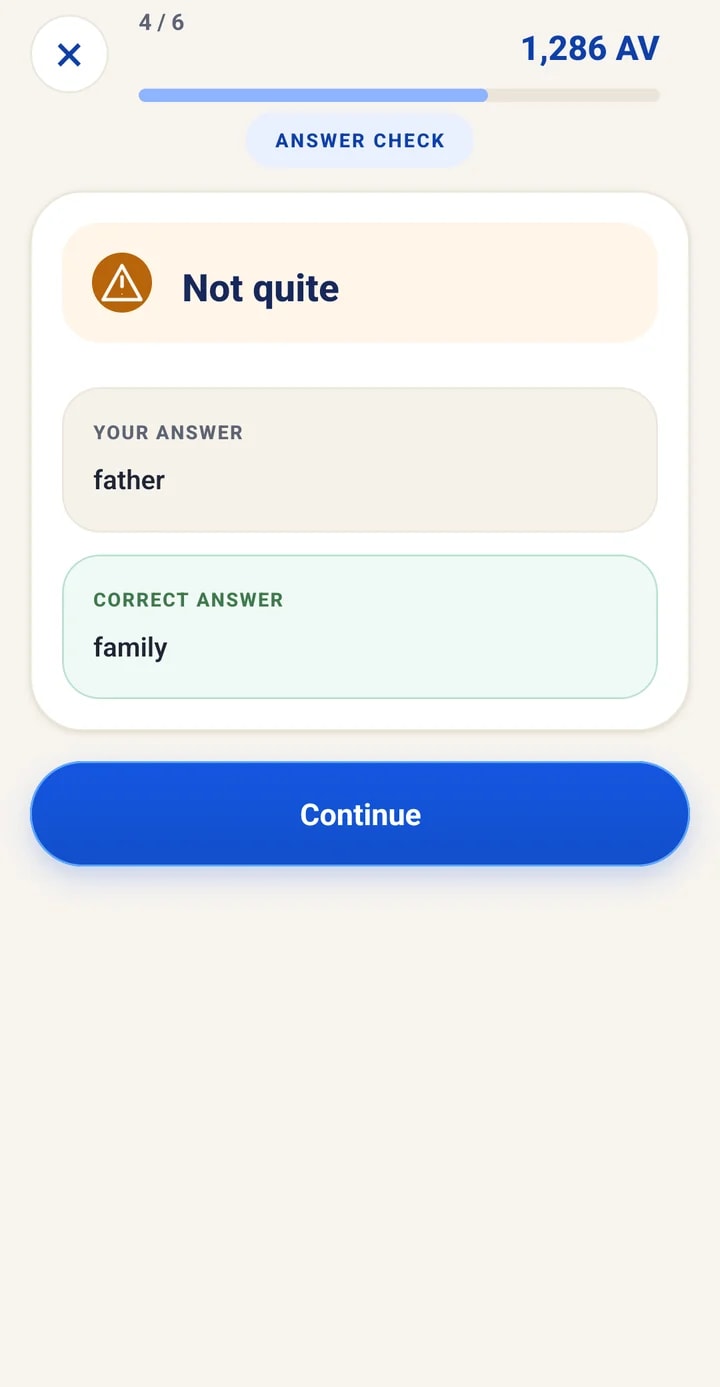
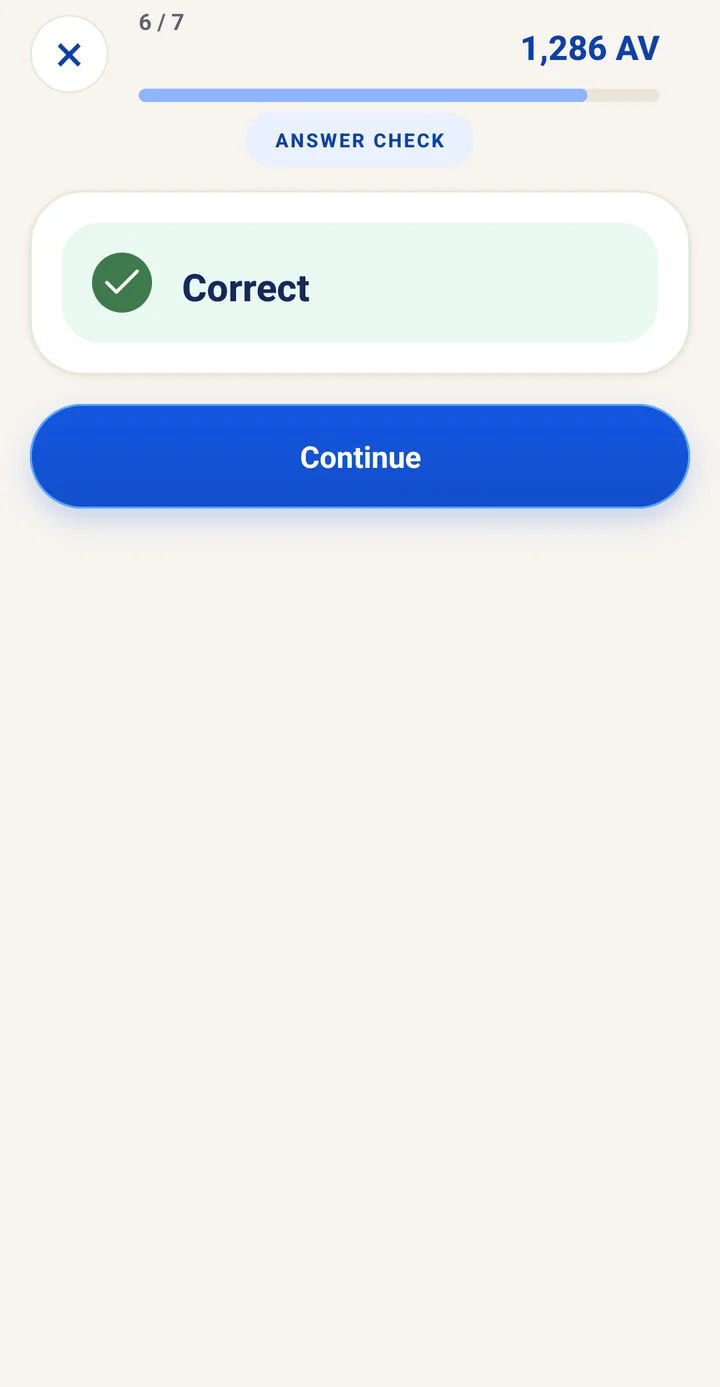
Review your answer and its explanation, then revisit what needs more practice.
Alenvar Premium · Family
Buy Premium or Family right in the app through Google Play or the App Store. The price is shown before you confirm.