
Topic-based vocabulary
Words and phrases appear in familiar situations. Illustrations, pronunciation and examples connect their meanings with real use.
English for Vietnamese learners through images, pronunciation, examples and interactive practice. Explore 60 topics and Phrasal Verbs & Expressions.
English, in a way you understand
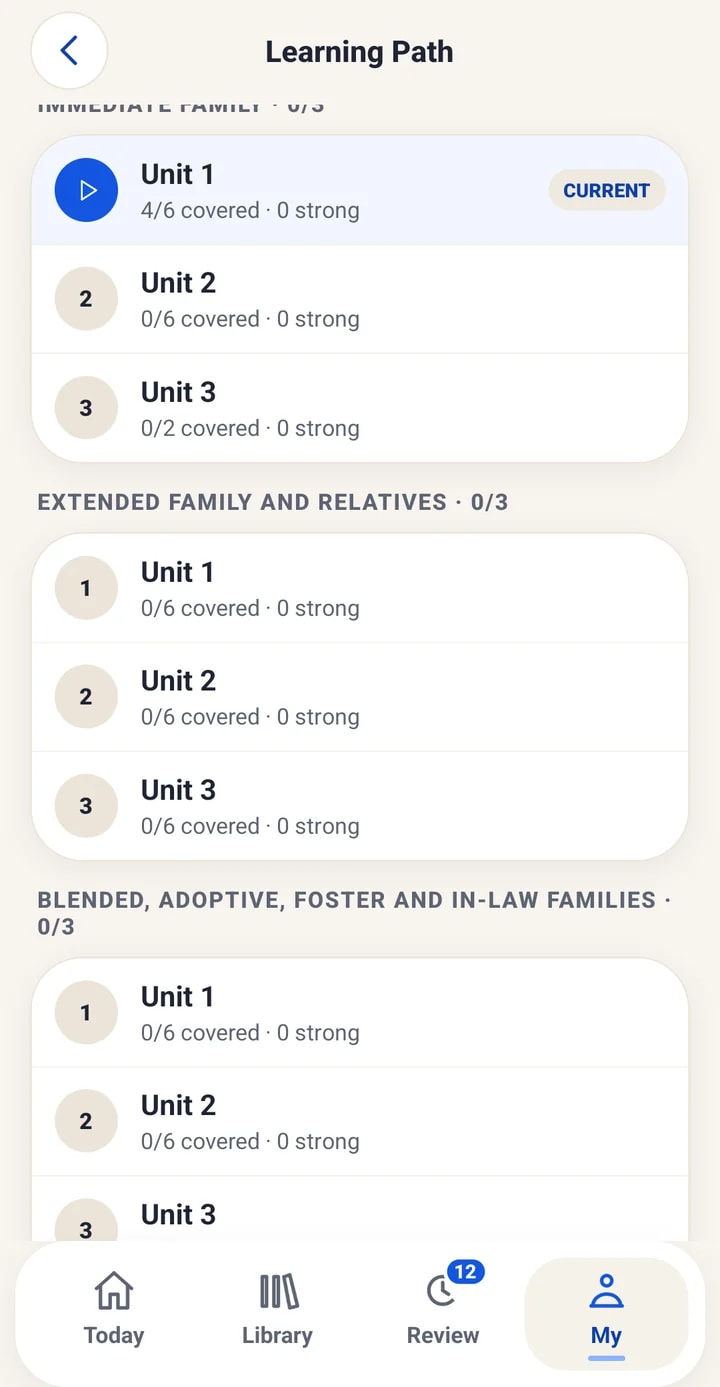
Alenvar English combines illustrations, pronunciation, examples and interactive practice in a clear learning path.
Learn the meaning, hear the pronunciation, see the word in a sentence and practise. Choose English Only or support in Vietnamese, Hindi, Bengali, Urdu, Indonesian, Nepali, Arabic, Thai or Japanese.
Words and phrases appear in familiar situations. Illustrations, pronunciation and examples connect their meanings with real use.
Learn each meaning through situations and examples. Look up a base verb or continue your guided path in the app.
Choose answers, match English and Vietnamese, fill gaps, arrange sentences and practise listening. Review feedback and revisit difficult items.
Progress, streaks, AV points and badges record learning activity. Continue at your own pace; you do not need to meet every goal in one day.
Replay words and example sentences, revisit previous content and continue at your own pace.
View learning plans →The content follows Topic → Subtopic → Key word → Related words. Each entry connects meaning, pictures, audio and examples. Practice activities help you recognise, recall and use words in context.
Phrasal verbs are organised by meaning, with examples and grammar notes so that one translation is not applied to every situation. CEFR labels describe the content for reference; they are not proficiency certification or a promise of an exam score.
To report a meaning, example, picture or audio issue, send the topic, entry and specific content to [email protected]. A screenshot helps us find it. Do not send passwords or verification codes.
Send content feedback →Start as a guest or with Google on a supported version. On Android, link a sign-in method and check that your progress has been saved successfully before changing devices. Use the same account to restore it on another Android device; restoration on Android or iOS depends on your app version; check for Save and restore progress.
Internet is needed to authenticate and open new content. If you lose your connection, an already loaded session can continue with available content. Only successfully uploaded data can be restored on supported app versions and plans.
View the account guide →This content supports self-study. Results depend on each learner’s practice and use; Alenvar does not issue certificates or guarantee exam scores.
ALENVAR COMPANY LIMITED
Enterprise registration number: 2401083649
Address: Ha residential group, Tu Lan ward, Bac Ninh province, Vietnam
Contact email: [email protected]
Account confirmation emails are sent from [email protected]. Use the support channel for questions or assistance.
Available on Google Play (Android) and the App Store (iPhone). Plans are bought in the app through the store; the website does not take payments.
Alenvar Premium · Family
Buy Premium or Family right in the app through Google Play or the App Store. The price is shown before you confirm.