
Registration and sign-in
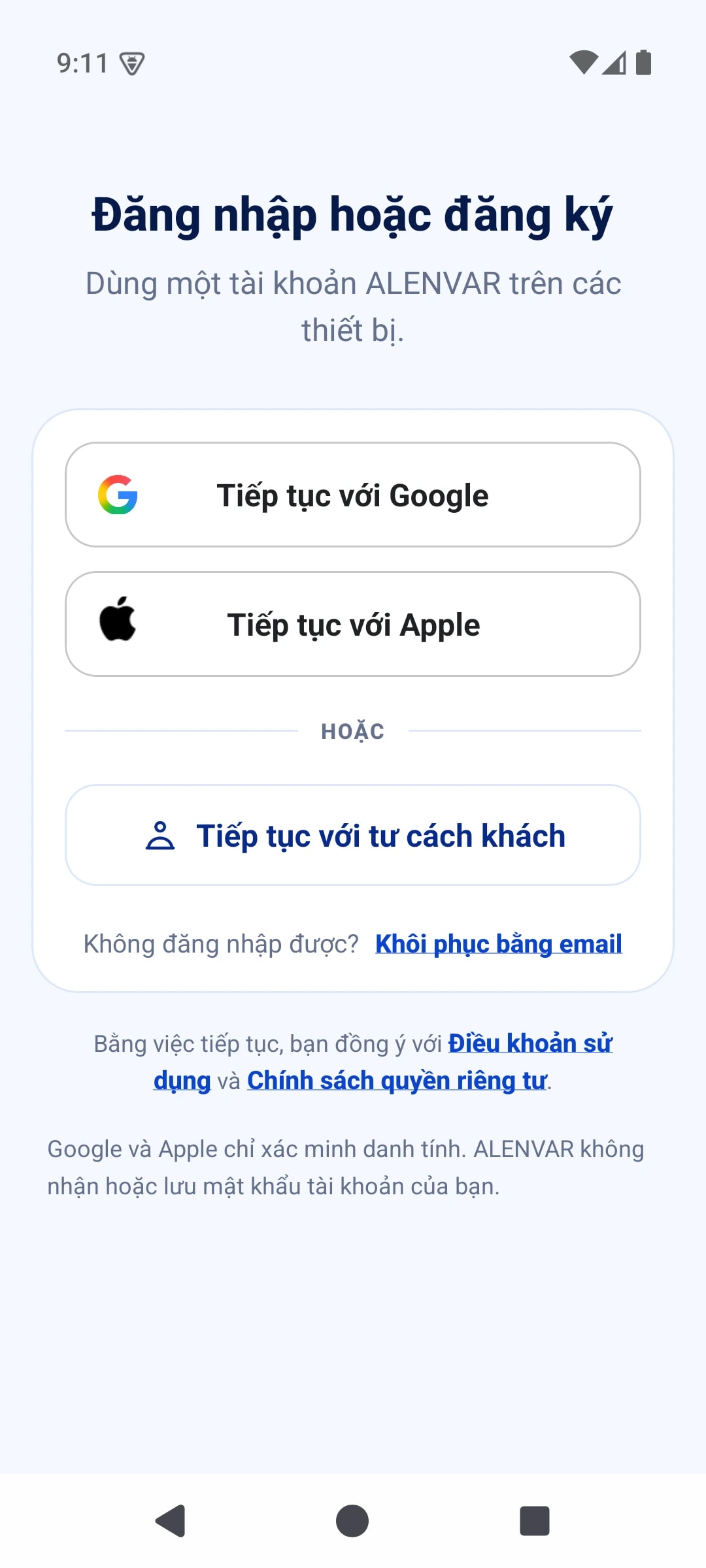
Guest or Google accounts on supported versions.
- Choose a guest or Google account if that method is available in your app version.
- For Google sign-in, choose the right account and complete Google verification. Alenvar does not request your Google password or access to Gmail or Google Drive.
- Return with the same account and sign-in method; allow sync to complete online. A guest account without a linked sign-in method may be difficult to recover after device data is lost.
- If you cannot access your account, contact [email protected]. Do not send passwords or one-time codes to support.
Start with a journey.
Try three airport words with illustrations, audio and questions right here on the website.