

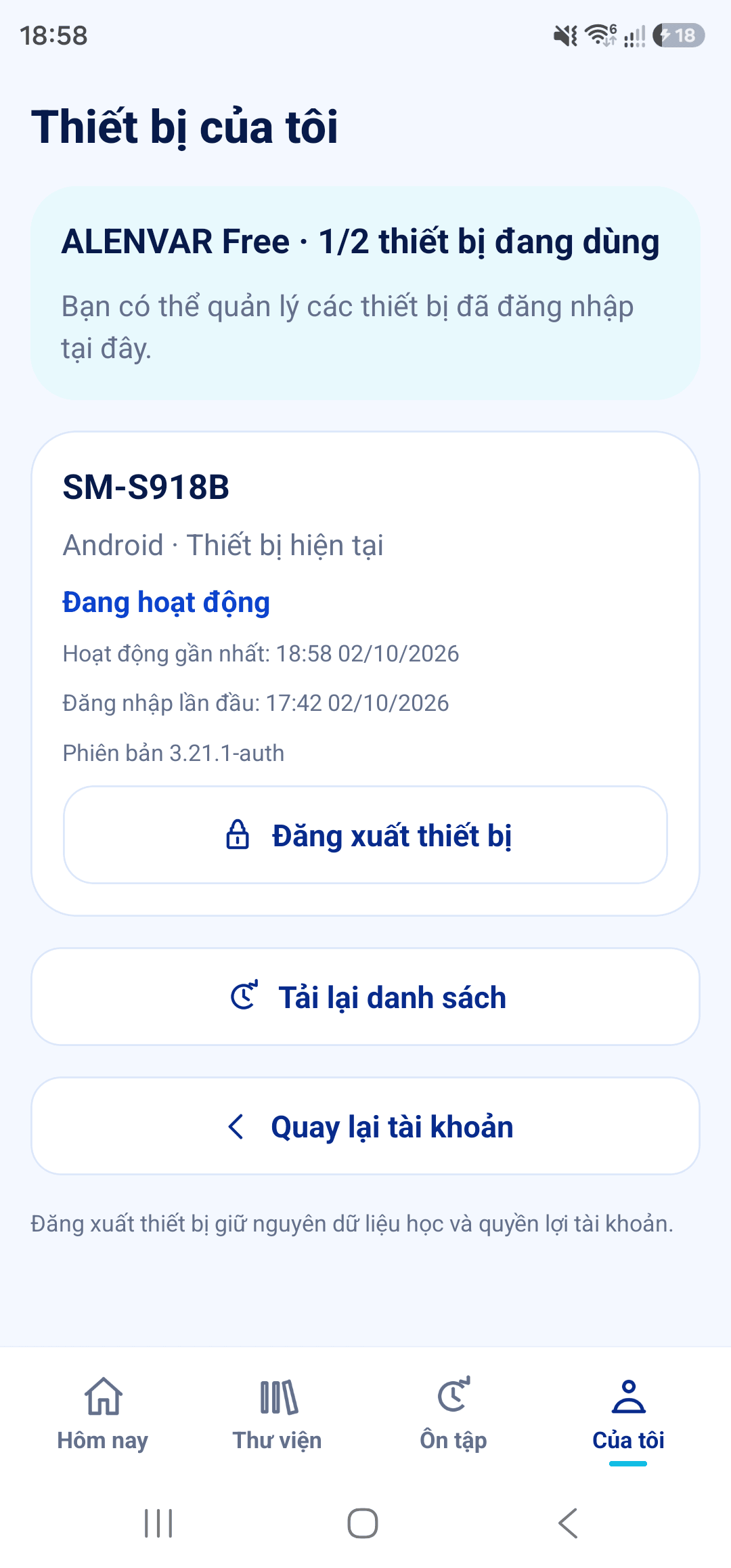
My devices
Check your device allowance for Free, Premium or Family.
- Open My → ALENVAR Account → My devices to see your current device and other devices.
- When your allowance is full, select an old device to sign out and confirm.
- Revoking a session does not erase learning history. The system does not choose an old device to sign out for you.
- Check the new allowance when changing plans or after expiry. If you exceed the limit, choose which devices to keep before opening a new session.
Start with a journey.
Try three airport words with illustrations, audio and questions right here on the website.