

Joining an Alenvar family
Use your own account and enter an invitation code from the family owner.
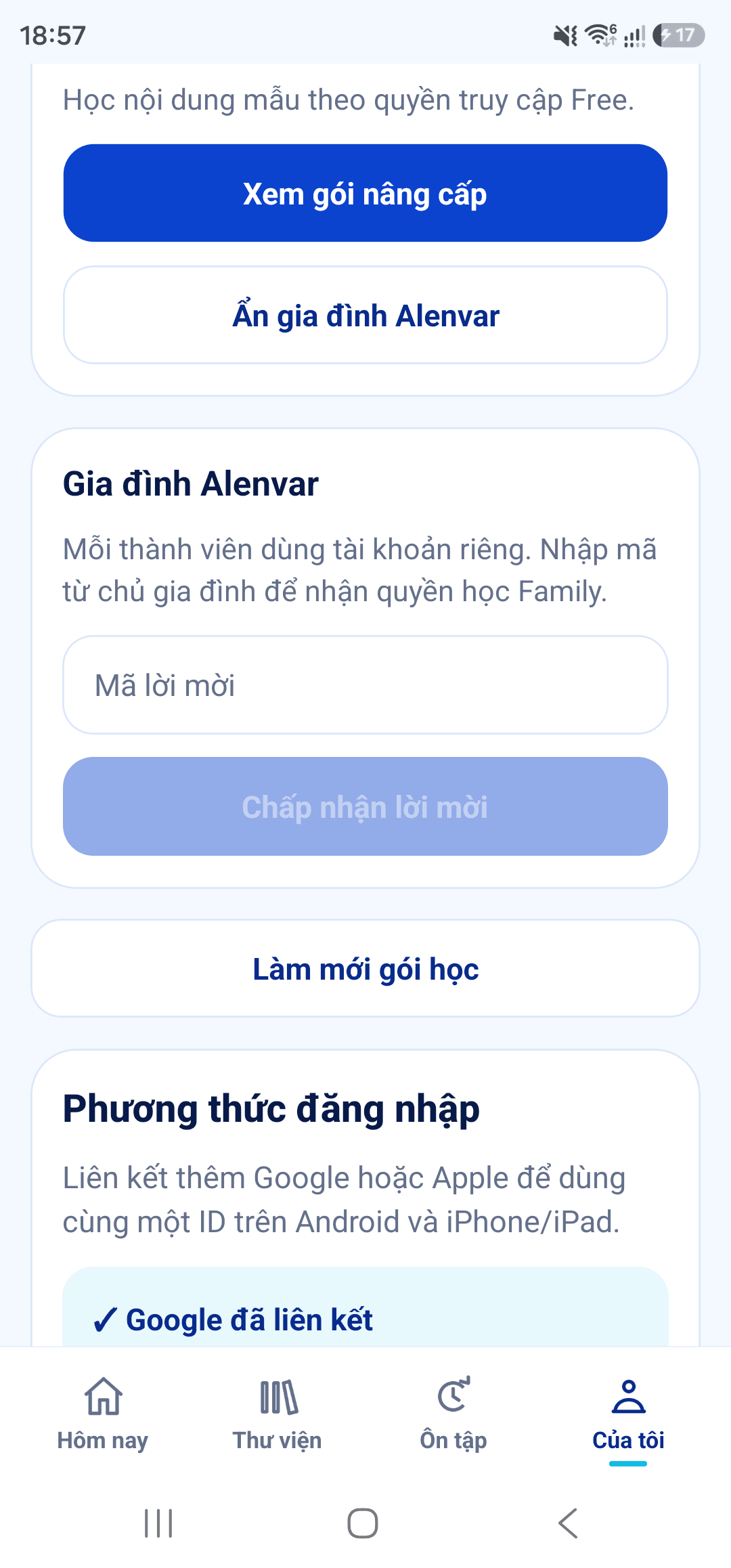
- Sign in with your own Alenvar account, then open My.
- Open ALENVAR Account, then choose Alenvar Family to enter the family area.
- With a valid invitation from the family owner, enter the invitation code and choose Accept invitation.
- Each member keeps a separate account and learning progress; device limits apply to each person.
- This Android screenshot shows invitation code entry. Family store subscriptions are not yet available in the current version.
Start with a journey.
Try three airport words with illustrations, audio and questions right here on the website.