
Plans & upgrades
Check learning access for Free, individual Premium and Family.
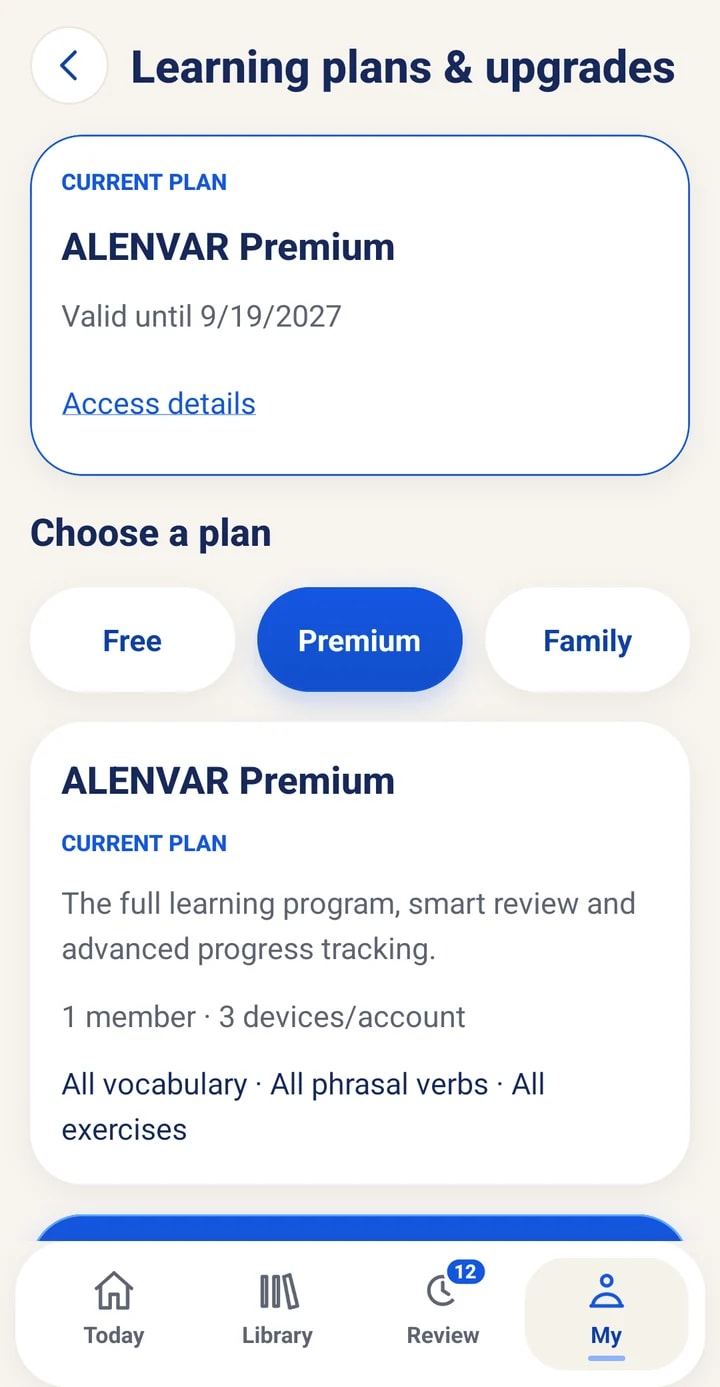
- Open My → Plans & upgrades to see your current plan and device allowance.
- Scroll to compare Free, Premium and Family benefits. Viewing benefits does not confirm a purchase.
- If you reach a content limit, choose View upgrade plans to check access. You can continue with Free content.
- Device limits apply to each person separately. If your allowance is full, choose an old device to revoke; your account and learning history remain.
- On Android, buy Premium or Family through Google Play; check the price, term and learning access before you confirm in the store.
Alenvar Premium · Family
Unlock all content with Premium.
Buy Premium or Family right in the app through Google Play or the App Store. The price is shown before you confirm.